Compare Debt Snowball and Avalanche Plans With a Google Sheets Calculator
Organize balances, rates and due dates, then compare payoff orders to see how each could affect interest costs and your estimated debt-free date.
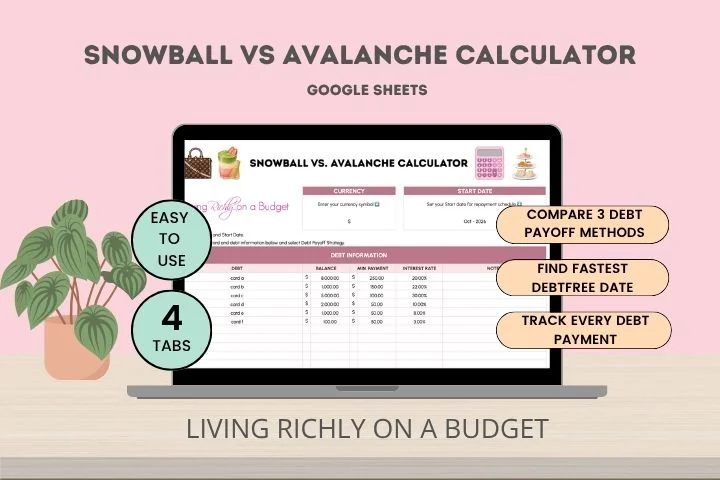
Choosing which debt to pay first can shape both the cost of repayment and how manageable the process feels. A Google Sheets calculator can put balances, interest rates, minimum payments and due dates in one place, then compare the debt snowball and debt avalanche approaches using your own figures.
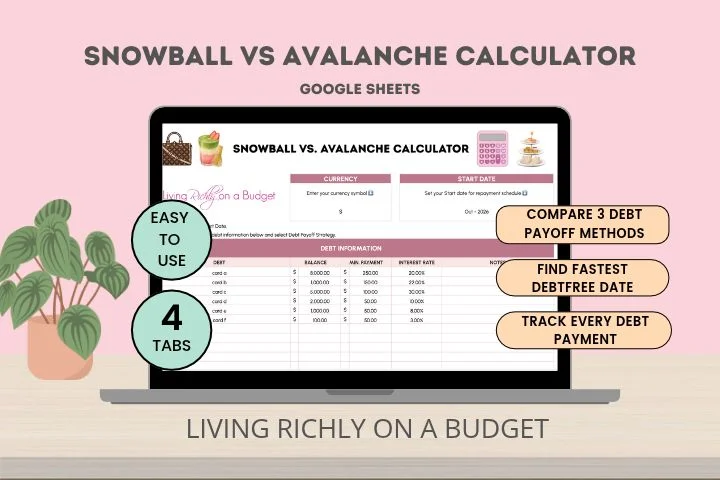
The spreadsheet does not make payments or decide which method suits you. Its value is in making the trade-offs easier to see: one strategy can deliver earlier payoffs, while the other can reduce interest costs when the same debts and repayment budget are compared.
Start with a clear list of what you owe
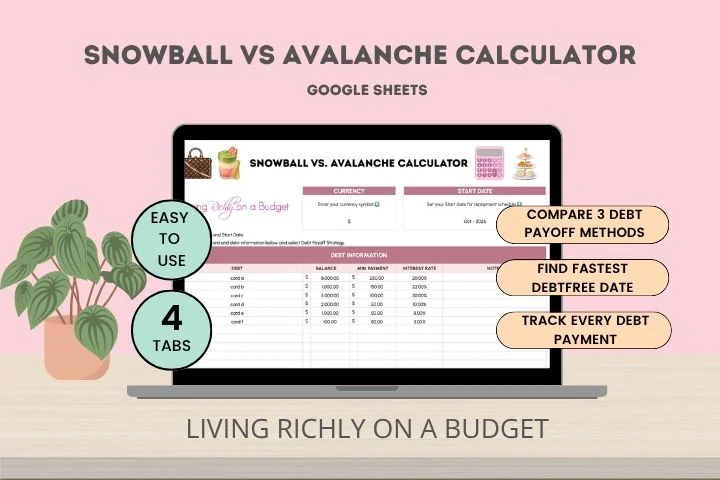
When credit cards, personal loans and other balances sit across separate accounts and statements, it can be hard to see the full picture. A single debt tracker helps answer practical questions: How much do you owe in total? Which balance has the highest rate? What are your monthly minimums? Which account comes first under a chosen plan, and roughly when might repayment finish?
For each debt, record its name, current balance, annual percentage rate (APR), minimum payment and due date. Add the extra amount you plan to pay, if any. Together, these details give you a starting point for comparing repayment orders and understanding what your budget can support.
A separate bill payment checklist can help with the calendar side of the job. Use it to mark payments as made and flag upcoming due dates, especially if you need to set money aside before bills come due. Keeping a debt plan and a payment checklist together can make it easier to see both the long-term goal and the next action.
Two payoff orders, two different benefits
Both common approaches involve paying at least the minimum on every debt and directing the extra repayment money to one balance at a time. When that balance is cleared, the money previously going toward it can be rolled into the next one. The difference is which balance gets priority.
Snowball: prioritize the smallest balance
With the debt snowball method, you focus extra payments on the debt with the lowest balance while keeping up with minimum payments on the others. After clearing it, you redirect that payment toward the next smallest balance.
The appeal is visible progress. Paying off one account can feel encouraging, and it leaves you with one fewer balance to track. That early win may help some people stick with a plan, particularly when several debts feel overwhelming. The trade-off is that the account with the smallest balance may not have the highest interest rate, so this order can cost more interest than the avalanche approach under the same repayment budget.
Avalanche: prioritize the highest rate
With the debt avalanche method, extra payments go first to the debt with the highest interest rate. You continue making minimum payments on the rest, then move the extra money to the next-highest-rate balance once the first is paid off.
This order can save interest compared with the snowball method when the debts and total repayment budget are the same. The first payoff may take longer, though, depending on the balances and rates involved. If seeing an account disappear quickly matters to your motivation, the slower early progress could make the plan harder to follow.
Neither method is automatically the right fit for every household. Your balances, rates, available repayment money and ability to stay with the plan all matter. A comparison can help make the costs and timing clearer, but the method you can maintain is also part of the decision.
Use a calculator to compare the numbers
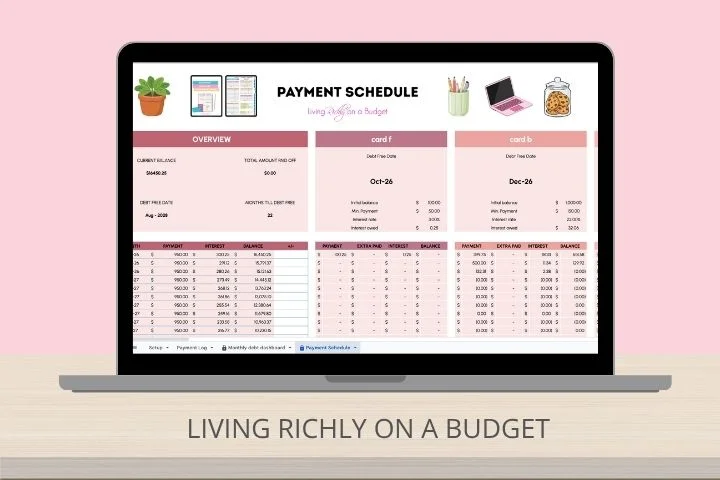
Manually estimating interest and payoff dates across several debts can take effort, especially when you want to test different orders. A Google Sheets debt calculator can handle those calculations from the information you enter. The calculator described by the source is designed to compare snowball and avalanche plans, estimate interest and payoff dates, and let users explore a custom payoff order.
Those estimates can help you see how changing the order affects a plan. They depend on the figures entered, so update balances and rates when they change and treat projected dates as estimates. A spreadsheet is a planning aid; it does not replace checking account terms, payment requirements or current balances with each lender.
For a basic comparison, gather the debt details, enter the amount you can put toward repayment, and review the results for each method. Look at both the projected interest and the timing of individual payoffs. If neither standard order feels workable, a custom sequence can help you examine another preference. The source links to a Snowball vs. Avalanche Debt Calculator Google Sheets.
High interest may call for a separate conversation
Organizing payments helps you manage a plan, but it does not lower the rate charged on a balance. When interest absorbs much of each payment, progress can feel slow. The source author says a nonprofit debt relief company helped reduce their credit card interest rate to 0%. That is one person’s experience, not a rate or result others should expect.
Available options depend on a person’s circumstances, creditors and the terms of any program. If high interest is making repayment difficult, it may be worth learning whether a lower rate or a legitimate nonprofit credit counseling program is available for your situation. Review the costs, conditions and effect on repayment before agreeing to a program. Some eligible plans may offer reduced rates, but the source does not state a standard rate or guarantee.
The author also describes a workshop about discussing lower rates with card companies and finding nonprofit organizations that may assist with debt management and repayment plans. This is an option to research, not a substitute for comparing the terms of any assistance available to you.
Keep the system light enough to use
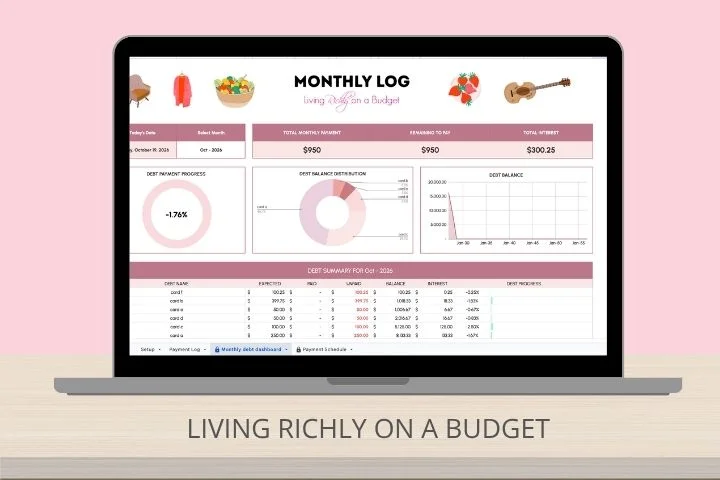
Set a regular time each month to update balances and see what has changed. Keep the payment checklist current so upcoming due dates stay visible. Mark progress as debts are paid off, even if other balances remain. These small routines can turn a static spreadsheet into a useful record of your plan.
You don't need to spend hours maintaining the tracker. Begin with accurate balances, rates and minimums, choose a payment order, and review it as your circumstances change. A clear record can make the next payment easier to direct—and help you see whether the approach is working for you.